

ChromeOS users
A browser extension is a natural fit when the browser is the primary operating environment.
Independent product · Open source · Localization
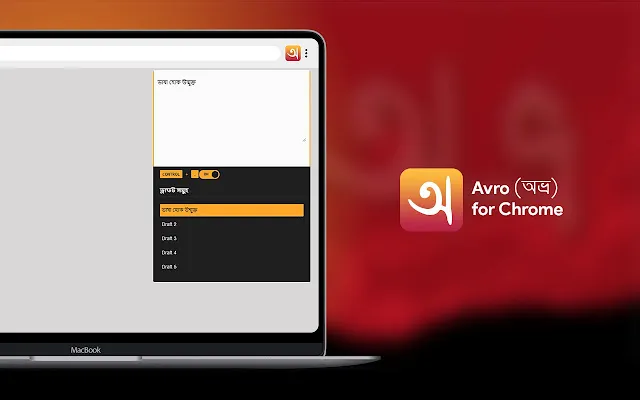
Avro for Chrome brings the familiar Avro Phonetic experience to Chromium browsers—so Bangla speakers can write instantly without installing a full desktop application. I built and maintain the extension as an open-source, privacy-first product.
01 · The opportunity
Avro Keyboard is part of the history of Bangla computing. First released in 2003, the wider Avro project made phonetic Bangla typing approachable for millions of people. Its familiar English-to-Bangla input model lets someone type “ami banglay likhi” and produce “আমি বাংলায় লিখি” without memorising a fixed keyboard layout.
The desktop ecosystem includes Avro Keyboard for Windows, iAvro for macOS, and ibus-avro for Linux. But the experience is not equally available or maintained on every modern device. ChromeOS users cannot rely on a traditional desktop installer, Mac users may be on a system newer than the documented iAvro support through macOS 10.15 Catalina, and many people simply want to write Bangla in a browser without installing system software.
A browser extension is a natural fit when the browser is the primary operating environment.
A web-based fallback keeps the familiar input method useful when a desktop build is unavailable or no longer practical.
No system-wide setup—just open the browser, pin the extension, and start writing.
02 · Product principles
The extension had one job: make Bangla typing feel immediate and dependable. Every feature had to preserve that sense of flow.
Translation happens locally, without a round trip to a server for every word. That keeps the experience fast and makes it useful even when connectivity is unreliable.
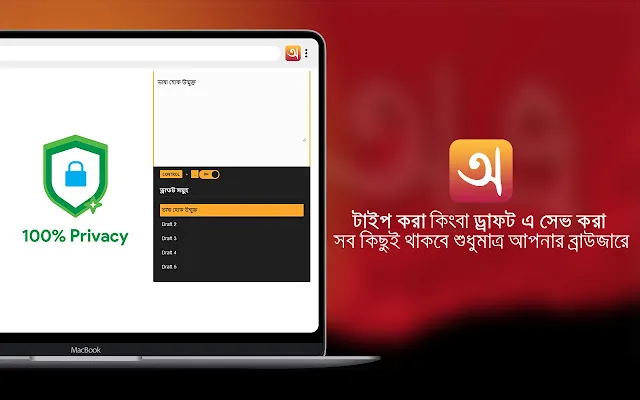
Drafts stay on the user's device. There is no analytics code in the project and no need to send personal writing to a remote service.
The extension preserves the input model people already know from Avro Keyboard instead of asking them to learn a new system.
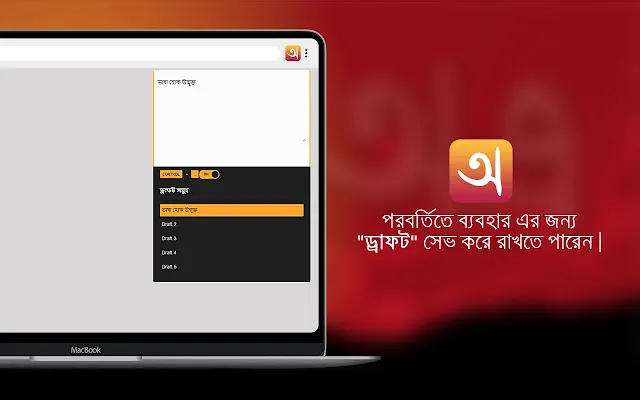
A lightweight popup, drafts, copy, and a pin-able sidebar cover the core jobs without turning a typing utility into a heavyweight app.
03 · The shipped experience
The extension started as a compact Bangla typing utility and grew around the moments users repeat: opening it, writing something longer, saving a draft, copying the result, and keeping the tool available while moving between browser tabs.
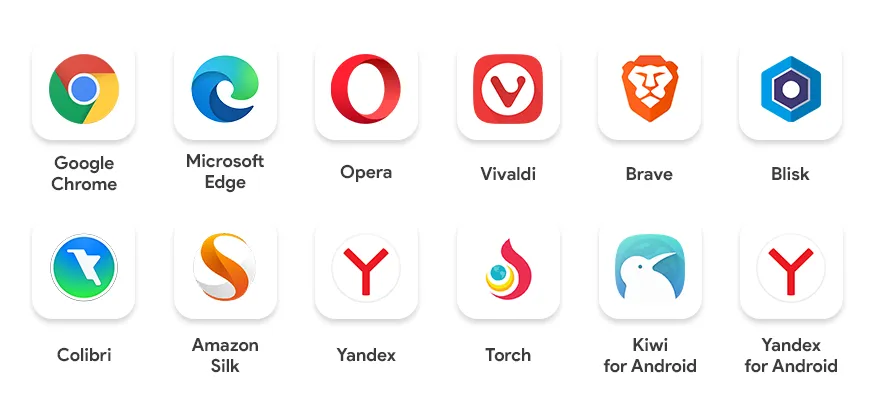
Designed for the Chromium family
The extension works across Chromium-based browsers that support the Chrome Web Store, including Chrome, Edge, Opera, Vivaldi, Brave, and other compatible browsers.
04 · Maintenance is product work
A live extension is never “finished.” Browser APIs change, store requirements evolve, and users notice every little interruption in a writing workflow. I treated each release as a chance to protect the core promise: fast, familiar Bangla typing wherever the user is.
Platform health
Modernising the extension kept it compatible with Chrome's current extension platform and made continued distribution possible.
Writing continuity
The draft limit was removed so users can treat the extension as a lightweight writing workspace rather than a one-off converter.
Lower handoff cost
Copying text directly from the extension removes an unnecessary step between composing Bangla and using it elsewhere.
Less context switching
Pinning Avro to the sidebar keeps the input tool available while users work in the page, document, or app that needs the text.
05 · Trust and privacy
Privacy is part of the experience, not a footnote. The extension processes typing locally, stores drafts on the user's device, and does not add analytics code to track what people write.
“Whatever you write or save in drafts doesn't leave your browser unless you want it to.”
06 · Evidence of a live product
The strongest evidence is not a mockup. It is a product people can install, rate, inspect, and use—and a codebase that continues to move.
10,000
Users shown on the Chrome Web Store listing.
4.9/5
Rating from 40 Chrome Web Store ratings.
54
Commits visible in the public GitHub repository.
3
Public releases listed in the repository.
07 · Lineage and community
Avro for Chrome is an extension of the Avro Keyboard experience—not a replacement for the project that made phonetic Bangla typing so accessible. The work builds on a familiar input method and brings it to a browser-first generation of users.
I am grateful to the contributors credited in the repository and to the wider Avro Keyboard community for making this foundation possible. Good product work often starts by extending something people already trust.